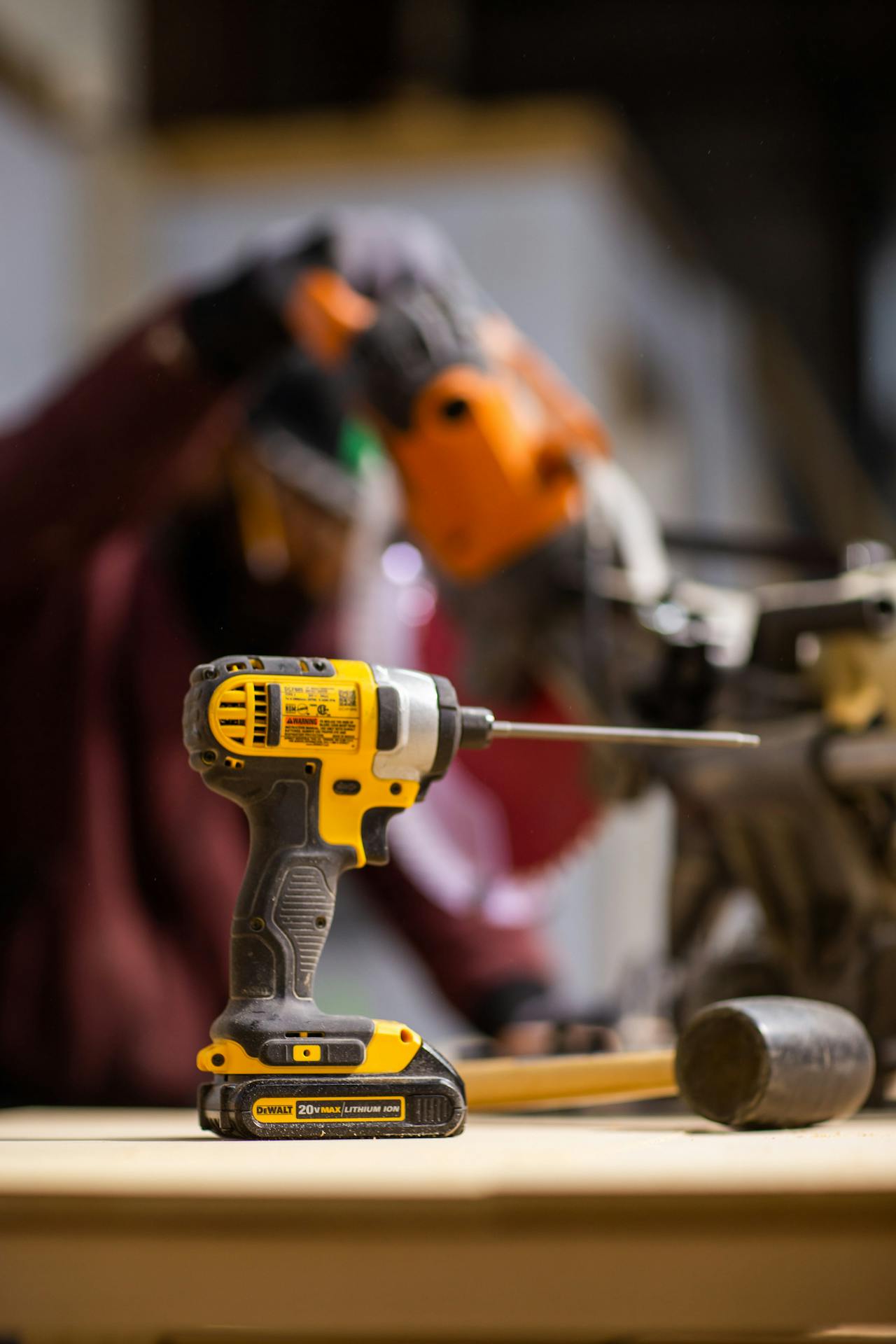
Can I Drill Holes With an Impact Driver? What We Should Know Before We Try
It’s a common situation.
We’re in the middle of a project. We need to drill a hole. The only tool within reach is an impact driver.
And we think:
“Can I just use this instead of a regular drill?”
The short answer?
Yes, we can drill holes with an impact driver.
But that doesn’t mean it’s always the best choice.
Let’s break this down in a clear, practical way so we know when it works — and when it can cause more problems than it solves.
How an Impact Driver Actually Works
Before deciding if we should use it for drilling, we need to understand how it behaves.
An impact driver:
-
Rotates like a regular drill
-
Delivers quick bursts of rotational torque
-
Uses hex-shank bits (not standard round drill bits)
-
Has no adjustable clutch
That burst torque is designed for driving screws — especially long ones into dense materials.
It’s built for power, not finesse.

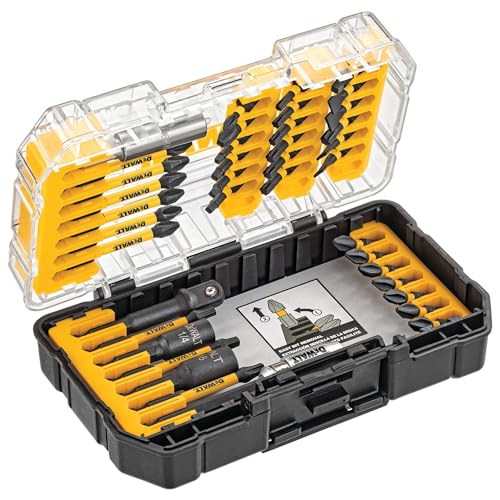
- HSS Titanium Coating - Classic HSS construction with titanium coating for capability and durability. The cutting edge is hardened and honed for sharpness, chatter-free design with staggered cutting teeth ensure the precise countersinking and hole smooth clean.
- Flutes Form - 2 flutes form helps clear chips and debris away from the bit, decreasing friction and heat for a faster, cooler drilling process.
- Quick Change - 1/4 inch hex shank fits into all power tools more easily and securely, specially for locking into quick change chuck.
Yes, You Can Drill Holes With an Impact Driver
This is always the first decision. Different materials require different bit designs.
With the right bit, drilling is possible.
We just need:
-
Hex-shank drill bits (regular round bits won’t fit unless we use an adapter)
-
A steady grip
-
Controlled trigger pressure
For certain tasks, it works surprisingly well.
When It Works Well
There are situations where using an impact driver to drill holes is completely reasonable.
Drilling Into Wood
Softwood and plywood are usually fine.
If we’re:
-
Building a deck
-
Installing framing
-
Drilling pilot holes for long screws
An impact driver handles it easily.
Drilling Larger Holes in Rough Construction
For rough carpentry where perfect precision isn’t critical, it gets the job done.
The torque helps power through dense lumber without stalling.
When It’s Not the Best Tool
Here’s where things can go sideways.
Small, Precise Holes
Impact drivers don’t offer smooth rotation like a regular drill.
That can make:
-
Small pilot holes
-
Thin materials
-
Fine woodworking
more difficult to control.
The torque pulses can cause wobbling.
Delicate Materials
We should avoid using an impact driver to drill into:
-
Tile
-
Glass
-
Thin plastic
-
Brittle materials
The sudden torque bursts can crack or chip surfaces.
For tile or masonry, we need a proper drill — often with a hammer function.
Drywall
Technically possible.
But drywall is soft. The impact force can tear through it quickly, making oversized holes.
A regular drill gives much better control here.
The Bit Matters More Than the Tool
This is where many DIYers go wrong.
Not all drill bits are rated for impact drivers.
We should look for:
-
Impact-rated hex-shank drill bits
-
Hardened steel construction
-
Clear labeling for impact use
Standard bits can snap under impact torque.
Common Mistakes to Avoid
Let’s save ourselves some frustration.
Using Too Much Pressure
Let the bit do the work. Forcing it increases wobble.
Forgetting About Speed Control
Impact drivers don’t have traditional speed settings — but we can control speed with trigger pressure.
Start slow. Always.
Skipping Pilot Holes
Even with an impact driver, pilot holes are still important for:
-
Preventing wood splitting
-
Improving accuracy
-
Reducing strain
What About Hole Saws and Spade Bits?
This depends.
Some impact drivers can handle:
-
Impact-rated spade bits
-
Small hole saws (rated for impact use)
But for large-diameter holes, a regular drill is usually better. Impact torque can make large bits grab suddenly.
That’s when wrists twist — and accidents happen.
Should We Just Use a Regular Drill Instead?
If we have both tools available, here’s a simple guideline:
-
Use a regular drill for drilling holes.
-
Use an impact driver for driving screws.
It’s not a strict rule — but it’s a reliable one.
If drilling is the main task, a drill is simply more controlled and versatile.

If an Impact Driver Is All We Have
Sometimes we’re working with what’s available.
In that case:
-
Use impact-rated bits
-
Drill straight, not at an angle
-
Start slowly
-
Hold the tool firmly with both hands
-
Avoid brittle materials
And remember:
Precision is harder with an impact driver. Plan accordingly.